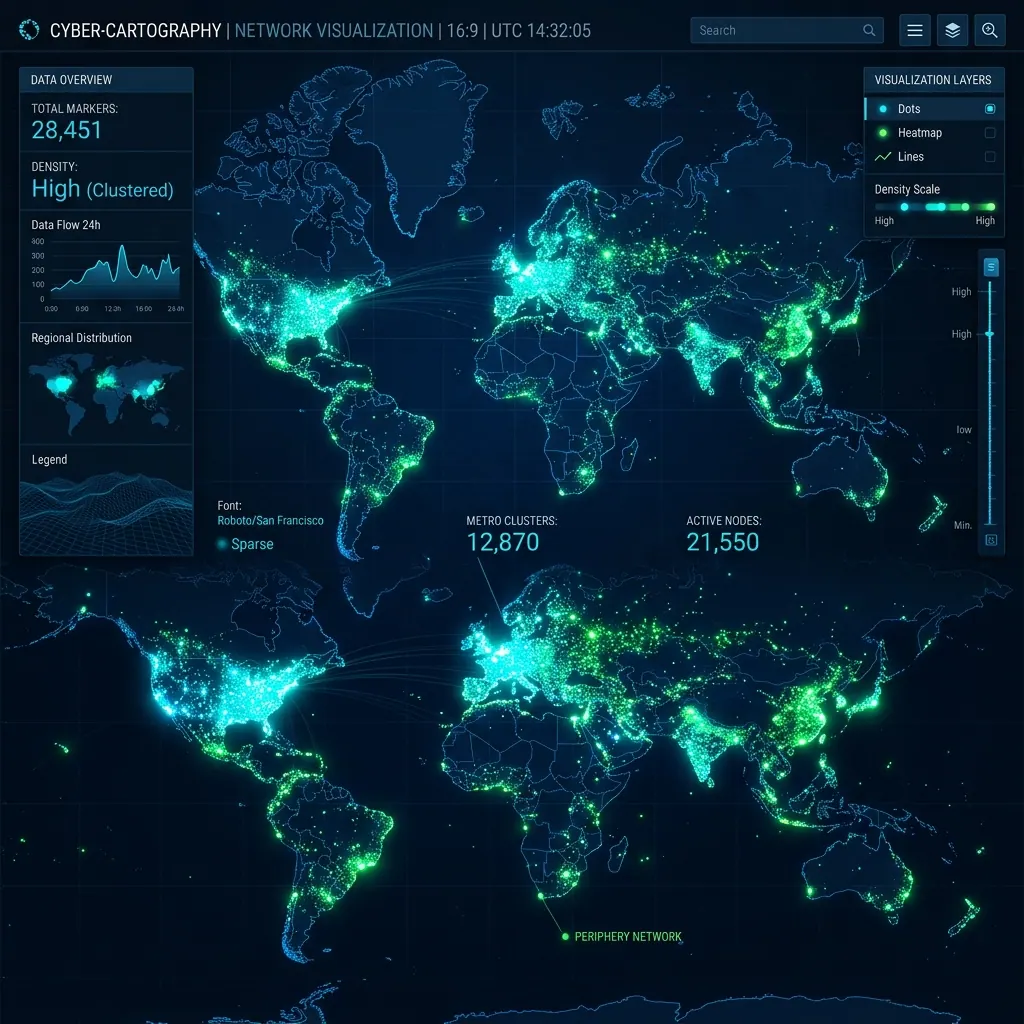
Rendering markers on Google Maps in Flutter becomes a real challenge once the number passes a few hundred. At 500 markers, most apps already feel laggy. Try 10,000 markers, and the app starts freezing. Push it to 150,000 markers, and you’ll likely see frame drops, memory spikes, or even a crash.
But with the right strategy, it is possible to render 150,000+ markers smoothly — without blocking the UI, without killing the user’s battery, and without waiting 10 seconds for the map to load.
In this article, I’ll walk you through a proven approach using:
- Partial Rendering
- Partial Clustering
- Efficient Marker Updates with GoogleMapsFlutterPlatform
Why Google Maps Lags With Many Markers
The problem isn’t Flutter. And it’s not Google Maps either. The actual problem is: Every marker created is a widget + native view + bitmap + layout pass. More markers → more memory + more drawing operations.
At 1,000+ markers, the render pipeline becomes saturated. At 10,000+, performance collapses. To fix this, Ineed to stop rendering everything at once.
1. Partial Rendering — Render Only What the User Sees
Only render markers that fall inside the visible map region. If the map contains 150,000 markers, but the user sees only 2,000 of them — it’s wasteful to render all 150k.
Steps for Partial Rendering
- Fetch all markers from API (or local database)
- Keep them in memory (or isolate)
- On every camera movement: Get visible region (LatLngBounds)
- Filter markers that fall inside and render only those
void onCameraIdle() {
  final bounds = currentMapBounds;

  final visibleMarkers = allMarkers.where((m) {
    return bounds.contains(m.position);
  }).toList();

  updateVisibleMarkers(visibleMarkers);
}
2. Partial Clustering — Cluster Only What’s Visible
Clustering 150k markers at once is extremely expensive. But clustering only visible markers is fast.
Simple workflow
- Apply partial rendering → get visible markers
- Run clustering algorithm only on visible data
- Render cluster markers instead of individual markers
final clusters = clusterHelper.clusterize(visibleMarkers, zoom);
updateClusterMarkers(clusters);
3. Ultra-Fast Rendering with updateMarkers
Instead of using the standard GoogleMap(markers: Set.of(markers)) which forces the entire widget to rebuild, use the underlying platform channel for direct updates.
GoogleMapsFlutterPlatform.instance.updateMarkers(
  mapId,
  MarkerUpdates.from(oldMarkers, newMarkers),
);
4. Architecture Overview
150k Raw Markers → Store in Memory / Isolate → onCameraIdle → get VisibleRegion → Filter markers by bounds → Cluster visible markers only → updateMarkers.
Conclusion
Rendering 150,000+ markers on Flutter Google Maps is not only possible — it’s smooth and production-ready. The key is to avoid brute force rendering and instead use intelligent partial strategies.